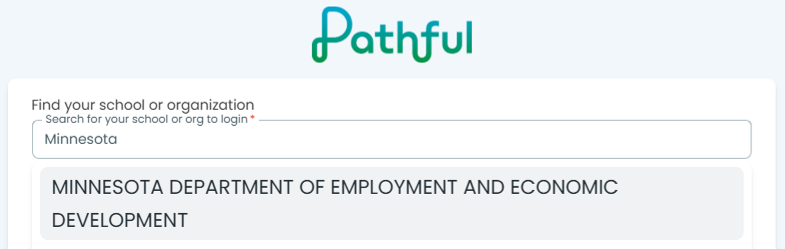
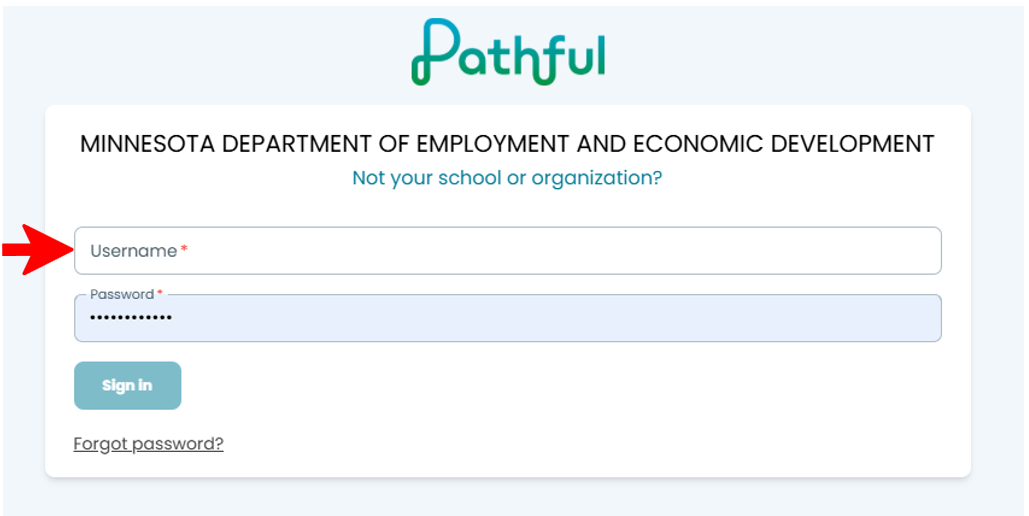
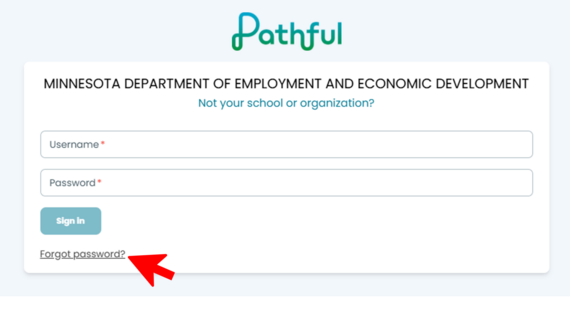
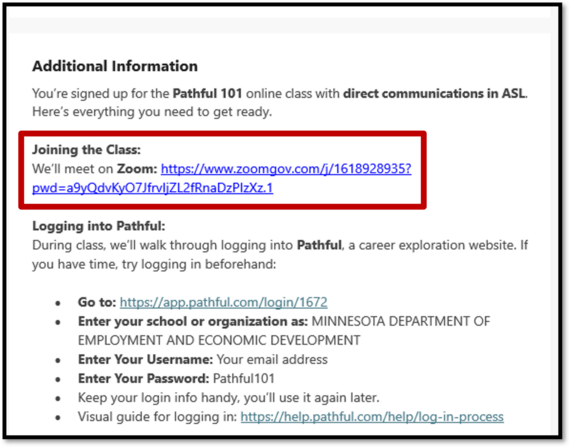
School Staff: Only register students enrolled in VRS Introductory Career Services (ICS).
VR Counselors: Only register students enrolled in VRS Full Career Services (FCS).
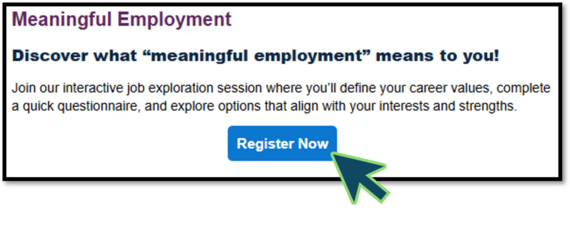
- Review the class options and select the Register Now button for the class that best fits your student(s).
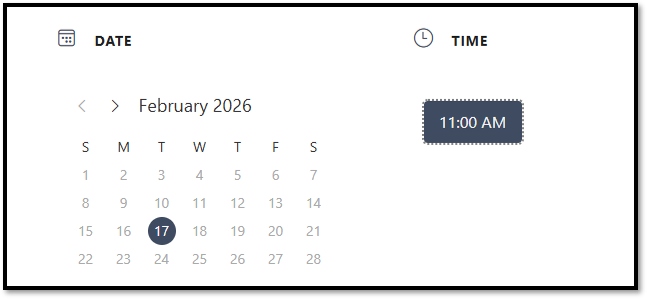
- Select a date and time that works for the student(s).
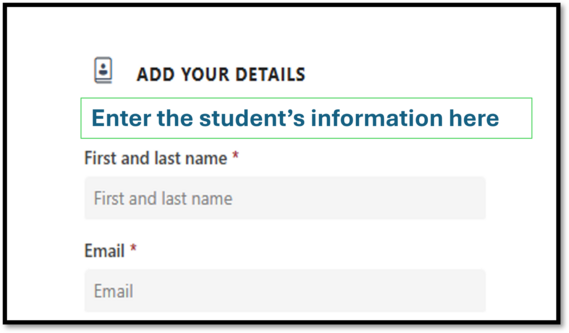
- Scroll down and enter your information in the first section. The "Add Your Details" section is the school staff or VR Counselor's information who is registering the student(s).
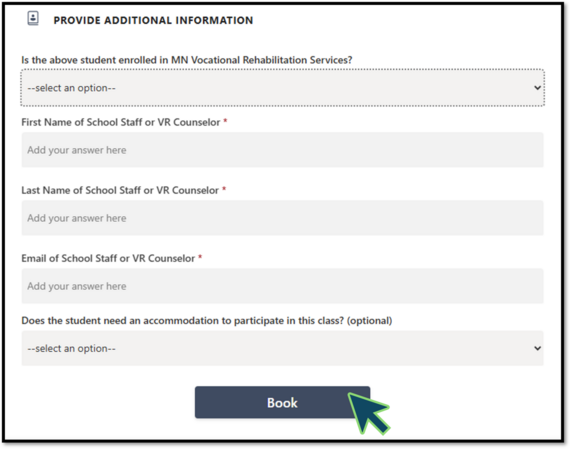
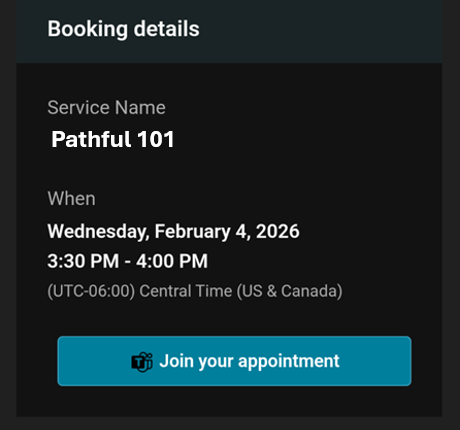
- Complete the form and select the Book button. Submit a single registration with one or more students. You will receive an email confirming the registration immediately with the join link. The student(s) will receive them after the submission is processed by our staff.
Questions: Email vrs.studentclasses@state.mn.us or schedule a time to meet 1:1 with our staff to go over the process with you.



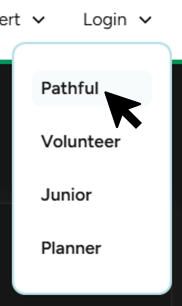 In the dropdown menu select Pathful