It’s not always obvious, particularly for back-end technology. We provide a high-level decision tree to help you decide.
11/19/2025 12:11:22 PM
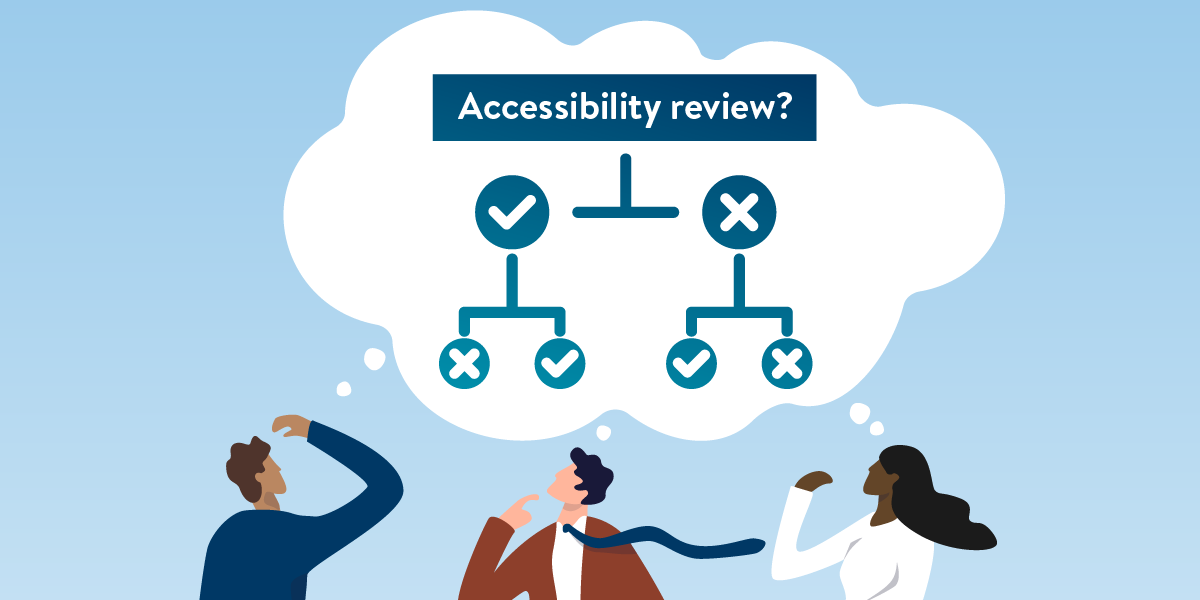
When your organization buys software or application services, it should go through a governance process to ensure that it meets your organization’s requirements for security, integration, AI, accessibility, and overall architecture.
For example, administrators may manage the app through a text-based command-line interface (CLI). Or they manage it through a different app’s interface, connecting to it via an application programming interface (API).
To determine whether an app needs to go through an accessibility review, follow these steps.
Does the app rely on an external control for installation, and does it function without a user interface to perform application programming interface (API) calls without generating any formatted output?
Do users control the app via a command line interface (CLI)?
Does the app offer an alternate graphical user interface (GUI)?
[End subtree (A)].
Does the app create digital content or user interface components (e.g., a command results in a modal that requires an end-user to perform an action)?
[End subtree (B)].
[End CLI question].
Is the app solely a set of libraries for an existing system?
Note: In situations where users can choose to use either a CLI or GUI to operate the app, if the GUI provides more functionality than the CLI, then you need to review its accessibility. It goes against the purpose of accessibility to offer CLI as an alternative for people with disabilities if the GUI users have more options, ease of use, or other functional advantages.
When evaluating tools that aren’t for the end-user — whether backend systems, libraries, or plug-ins — consider how users interact with the technology. The decision tree outlined above provides a structured approach to determine when an accessibility evaluation is necessary. By distinguishing between APIs, CLIs, GUIs, and libraries, this process ensures that you can focus your accessibility efforts where they matter most: on interfaces and outputs that impact human users.
The goal of digital accessibility is equity. If a graphical interface offers more functionality than a command-line alternative, it must be accessible to everyone. This review process helps uphold that principle, ensuring that all users have equal access to the tools and technologies your organization adopts.
Would you like to learn more about the accessibility work being done by Minnesota IT Services and the State of Minnesota? Once a month we will bring you more tips, articles, and ways to learn more about digital accessibility.
Accessibility
Accessibility

