New practices, new cards.
9/24/2025 1:35:09 PM
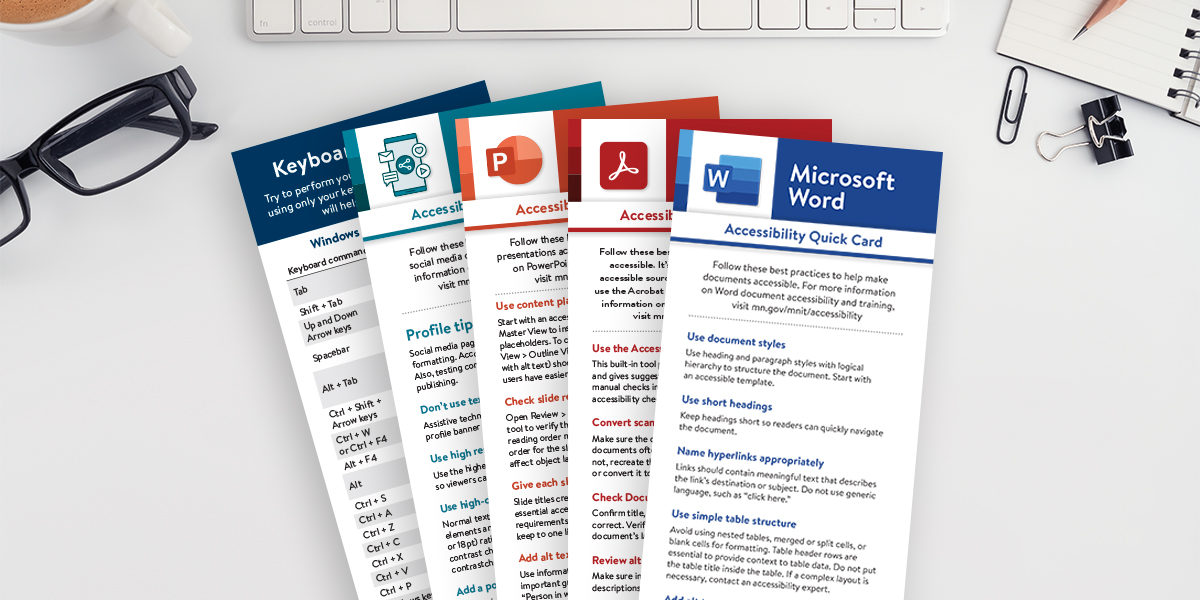
Minnesota's Office of Accessibility (OoA), along with a cross-functional group of state agency Digital Accessibility Coordinators and subject matter experts, has updated our Accessibility Quick Reference Cards (Quick Cards).
These updates reflect:
We also revised the content to use plain language and active voice, making the cards easier to understand and apply.
These streamlined, easy-to-use cards support any accessibility training you use, including those on our website. They offer quick reminders and practical tips to help you apply accessibility best practices in your daily work. Some people like a quick overview before exploring a topic in depth, while others just need a fast refresher on a digital accessibility basic. The Quick Cards are designed to support both.
Whether you're working in Microsoft Office, Adobe tools, or designing content for the web or social media, these cards can support you in creating more inclusive digital experiences.
Would you like to learn more about the accessibility work being done by Minnesota IT Services and the State of Minnesota? Once a month we will bring you more tips, articles, and ways to learn more about digital accessibility.
Accessibility
Accessibility

