Start by preventing phishing attacks
10/12/2021 10:22:55 AM
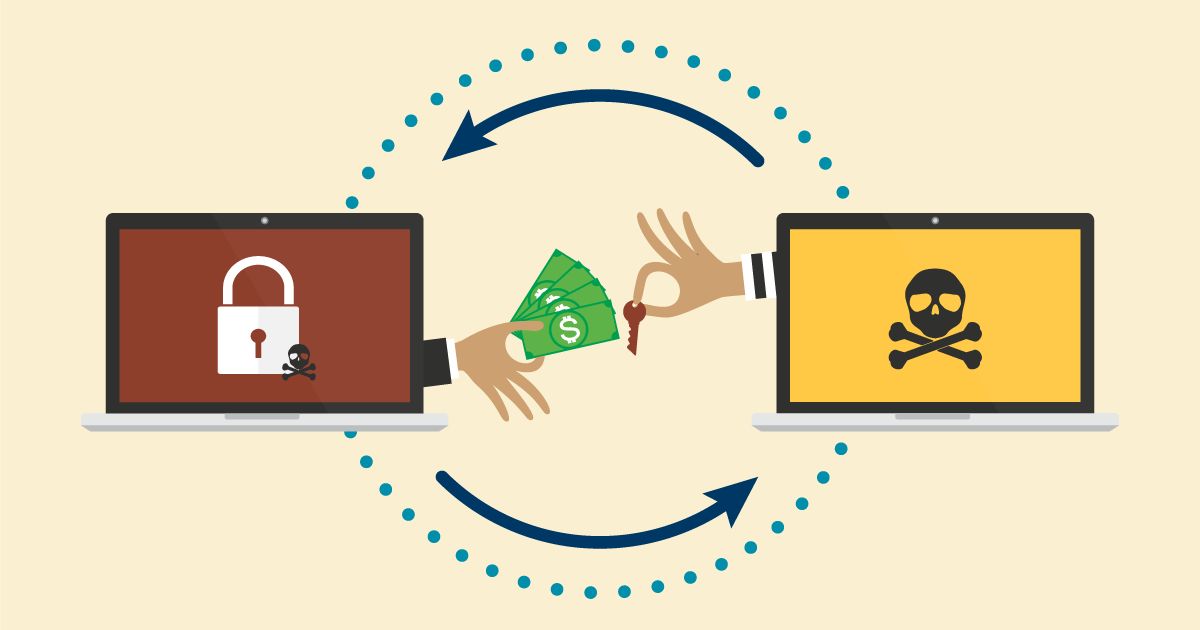
The increasing number of ransomware attacks is a concern. There are big ones such as the Colonial Pipeline and the REvil attack against Kaseya, and others that have happened closer to home, like in Winona County. Cyber criminals increasingly use these devastating types of attacks that can hold individuals and organizations hostage to demands for a payment or ransom.
Phishing attacks are one of the most common methods cybercriminals use to gain entry to network devices and launch ransomware attacks.
So how do we protect ourselves, and the organizations we work for, from ransomware? We need to recognize and prevent ourselves from falling for phishing attacks.
The Cybersecurity & Infrastructure Security Agency (CISA) says trends show increased globalized threat of ransomware. The shift to remote work across many industries during the COVID-19 pandemic provided ransomware groups with a larger attack surface for their phishing campaigns – more networks they can use to get into our systems.
Increased phishing attacks should worry everyone. These cyber attackers cast a wide net to infect as many devices as possible. You likely have already received an email from a co-worker or friend's email that was actually sent by threat actors. Cyber criminals use personal email addresses and social media platforms to send phishing messages in your name that see more believable to your circle of friends and co-workers.
All it takes is one successful phishing attack for your device or an entire organization to be infected with ransomware.
You may think that cyber criminals wouldn’t target you. However, no matter what position you hold, you are a critical part of your work network and as such, a target.
Attackers are always looking for people who re-use weak passwords, overshare personal information on social media, or use untrusted software. This is especially dangerous if you check work email from a personal device, or check personal email from a work device.
There are four basic steps that anyone can follow to protect from phishing and ransomware attacks.
If the message looks like it’s from someone you know but includes an unexpected link or attachment, call or message the sender separately to verify they sent the email. Don't reply to the suspicious email. If the message looks like it’s from a trusted organization such as your bank or credit card company, call them using contact information on their official website.
It is a best practice to keep file backups in a separate location that is not on your network where they could be held hostage during a ransomware attack. Use a cloud service like OneDrive, Google Drive, Dropbox, or an external hard or USB drive.
One of the best things you can do to defend your devices and network is to install security and software updates as soon as possible to fix vulnerabilities and reduce security risks on your devices. Turn on auto updates when you can. Only install software from official sources. If you visit a website and are prompted to "update your browser" or "install security software," close the browser tab immediately.
Many websites and applications require you to create a profile that contains personal information. Often, this personal information is used to show you advertisements, or is sold to others. Question whether you want to create that profile at all. If you do create a profile, try using fictitious phone numbers and addresses. Also, review your social media privacy settings to only share posts, photos, and comments to your friends/contact list.
Cybersecurity
Information Security
Technology
Cybersecurity
Security
Cybersecurity Month

