2/19/2025 9:30:00 AM
Using passwords or passphrases that are long and unique can strengthen your cyber resiliency because they are harder for cybercriminals to guess, which helps protect your online accounts and the information you have stored in them - personal information and finanical data (credit card and bank accounts numbers). Strong passwords/passphrases serve as the first line of defense for protecting your information.
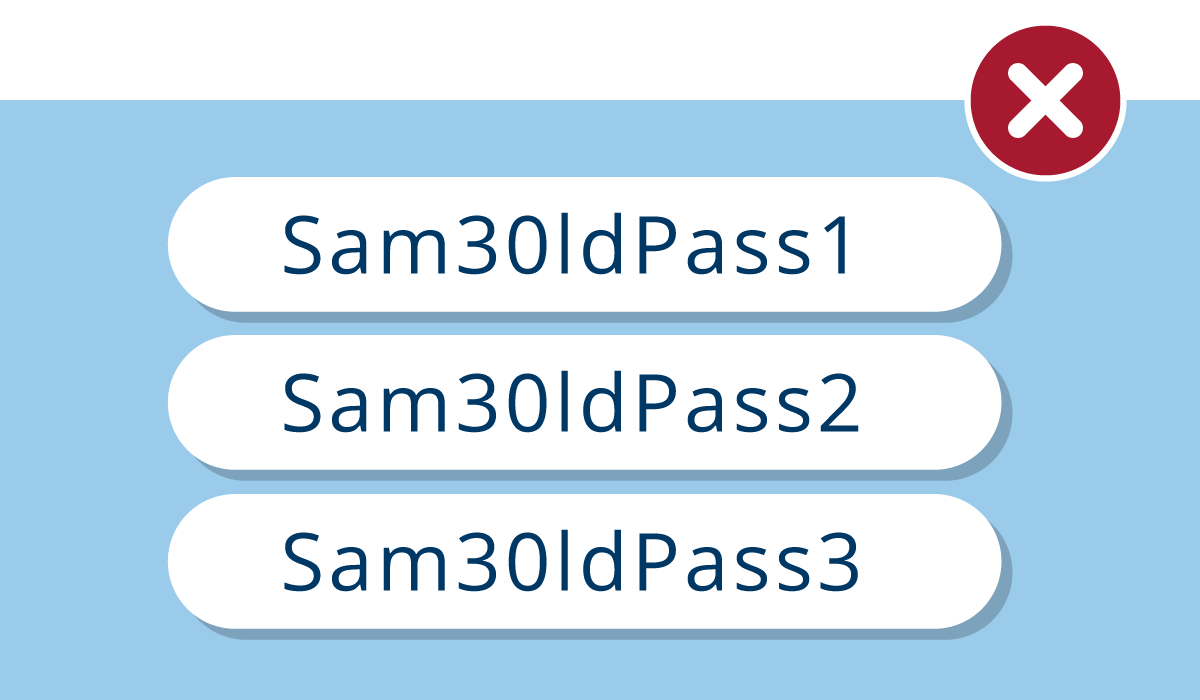
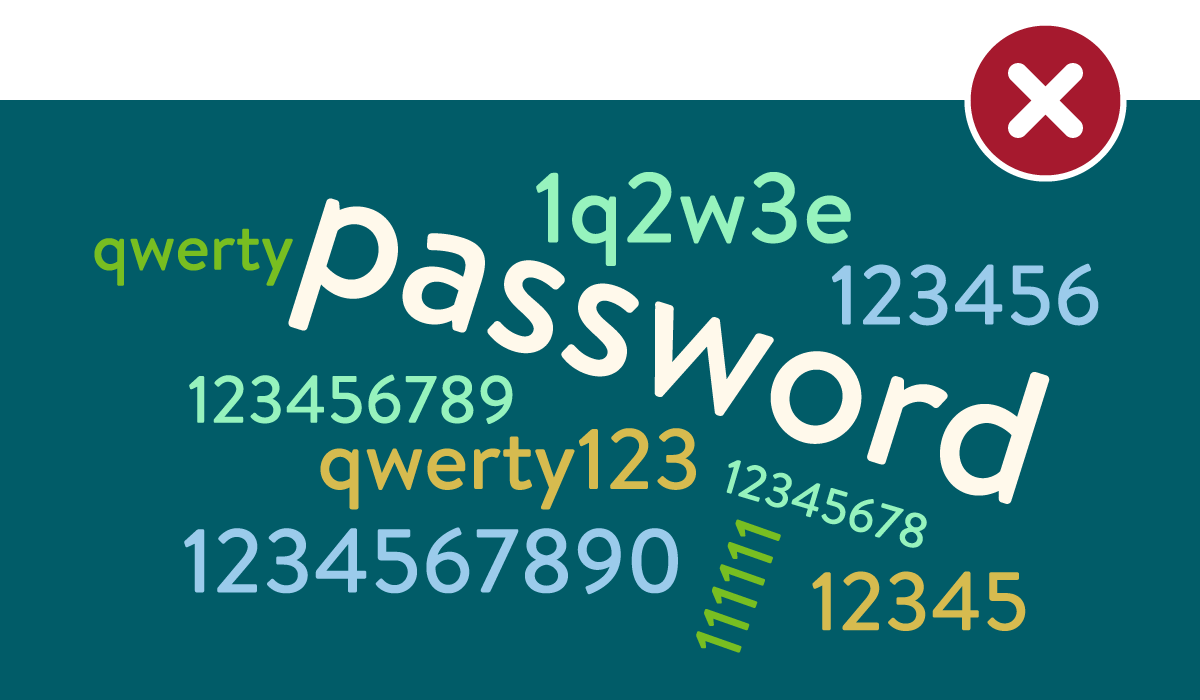
Different websites or apps have their own rules for meeting password requirements. Follow what is required, but never reuse the same password or use one that is similar to another – Password1! and Password2! are too similar and easy for cybercriminals to guess.
Think of it this way:
Protect your online accounts and devices, as well as the sensitive or personal data that you keep there.
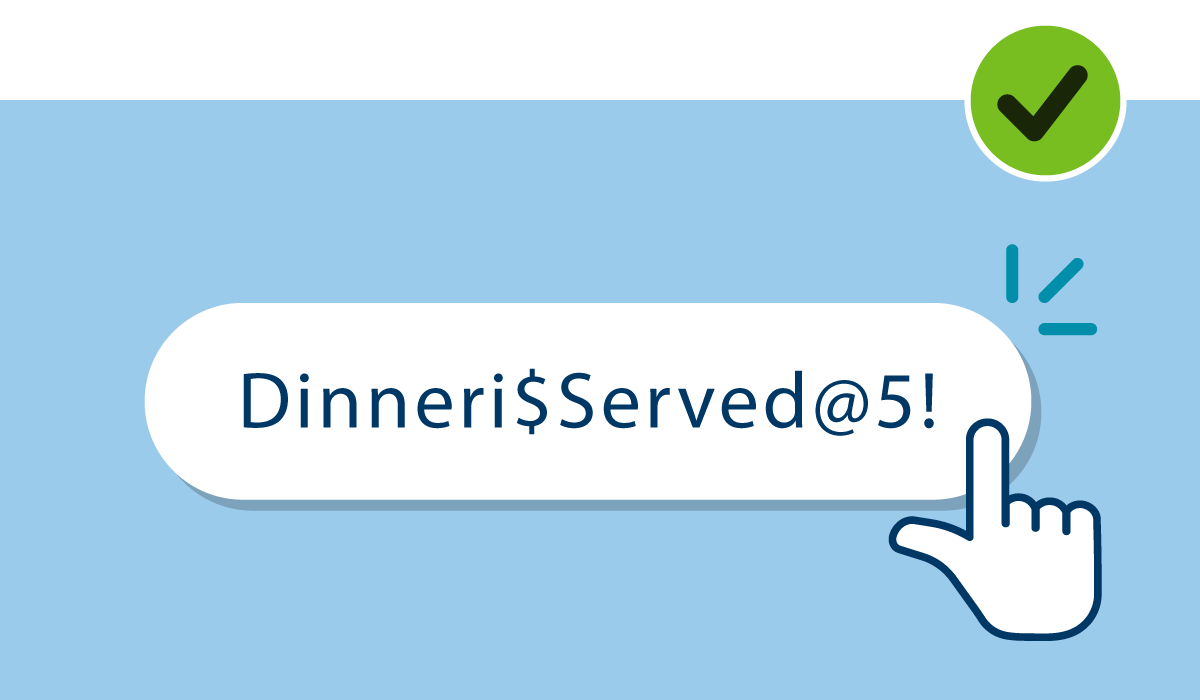
Use a strong, complex password or passphrase for each of your online accounts. It should include upper- and lower-case letters, numbers, and special characters.
Use a unique password or passphrase for each of your online accounts. Don't reuse the same password for multiple accounts.
Use a long, unique password or passphrase to protect each of your devices (phone, work laptop, home computer, and WiFi equipment) and each of your online accounts, including bank, social media, retail, and email.
Each password/passphrase should be different than the next, so if a cybercriminal compromises your social media password, they can't access your bank account because you've set up a different password for that account.
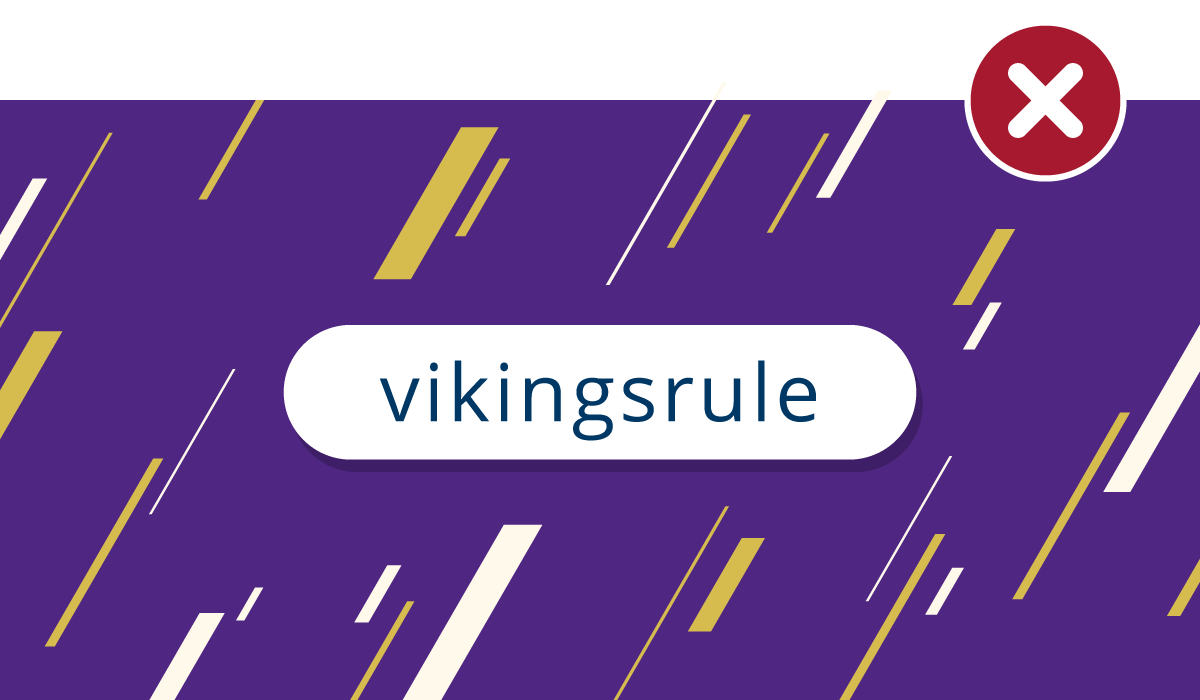
Many people incorporate personal information like family names and dates into their passwords to make them easier to remember; but that’s not safe.
Do not use passwords or passphrases that include personal data. With so much data available online, using personal information makes it easier for cyber attackers to hack those accounts quickly.
A reliable password manager can generate and store all your passwords and passphrases in one place. Then, you only need to remember one password – the one for the password manager.
Check industry expert recommendations from recognized sources like CNET, PC Magazine, and Wired.
Regularly check the https://haveibeenpwned.com website to see if your accounts have been compromised or if there are known exposures.
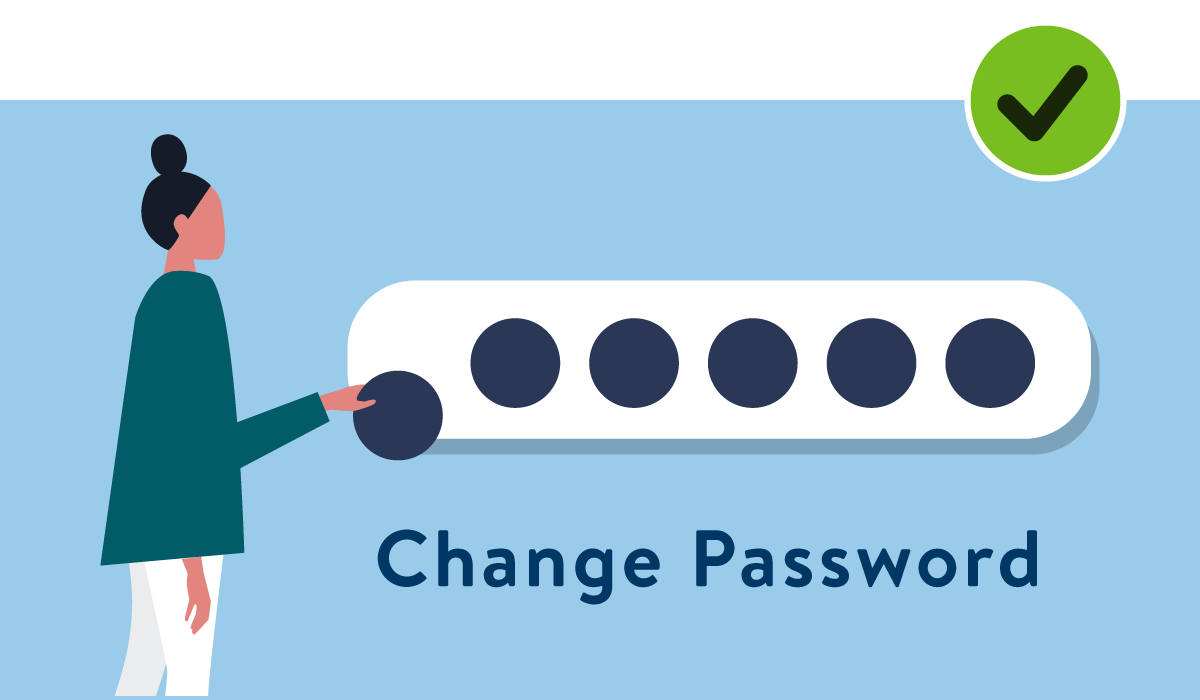
If your account has been compromised, or if your credentials (username and/or password) were involved in a known or suspected data breach, change your password/passphrase immediately. Also, change any passwords and passphrases that are similar.
It’s faster to change passwords and passphrases now, than to resolve data exposure issues later.
Cybersecurity

