3/20/2026 3:07:42 PM
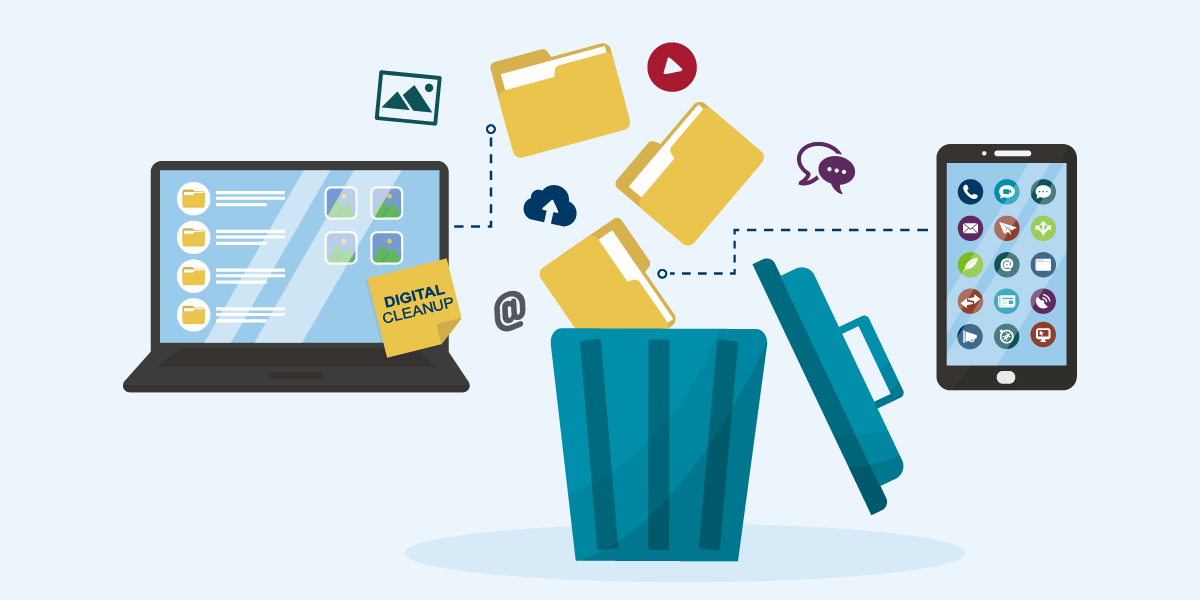
Every spring, Minnesotans open their windows and tackle the mess that has quietly piled up over the winter. While you're clearing out closets, another layer of your life deserves the same attention — your digital space.
Our devices and online accounts accumulate clutter just like a junk drawer: old apps we forgot we installed, passwords we've been meaning to update, and random files scattered across our computer desktop.
This spring, use these digital spring cleaning tips to speed up your devices, strengthen security, and give you peace of mind.
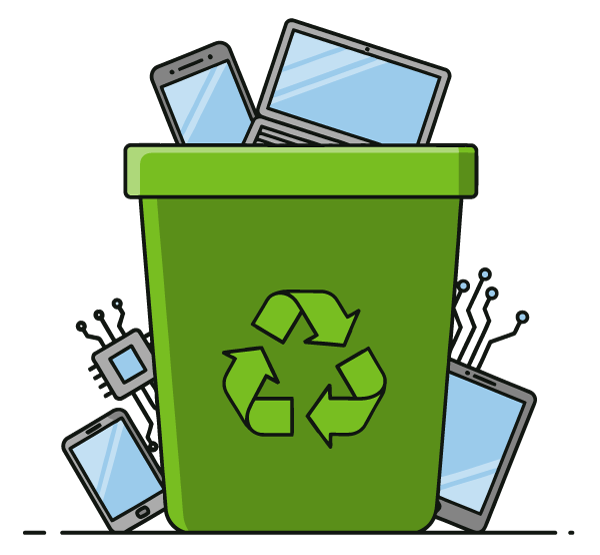
A good spring cleaning starts with the physical. Just as you would get rid of a broken appliance taking up space in your garage, let go of old electronics gathering dust in the corner. Before you recycle or donate them, be sure all personal data has been removed so it doesn’t fall into the hands of bad actors.
Properly dispose of or recycle electronics such as computers, printers, monitors, TVs, and cell phones. The Minnesota Pollution Control Agency provides guidance on electronic recycling, or search online for a recycling center near you.
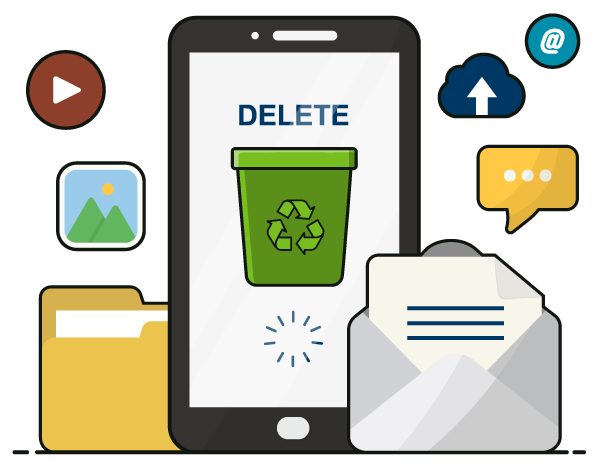
Over time, our computers and phones become weighed down with apps we no longer use, files we meant to sort through, and browser data that has quietly accumulated in the background. This digital clutter doesn't just take up storage space – it can slow down your device, drain your battery, and create vulnerabilities that put your personal information at risk.
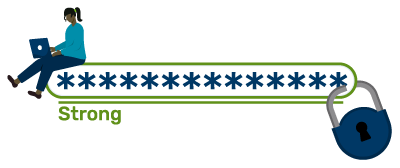
Cybersecurity threats evolve constantly, and the passwords and settings you put in place a few years ago may no longer offer adequate protection of your personal data. Refresh your cyber habits to catch small issues before they become serious ones.
Adjust your device settings to reduce or eliminate security risks, and to prevent unauthorized access in the event your phone or device is lost, stolen, or compromised:
Enjoy the warmer weather and the peace of mind that comes with simplifying and securing your digital space this season.

