View the event recording & transcript, and browse resources
6/16/2026 12:00:00 PM
To celebrate Global Accessibility Awareness Day (GAAD), Minnesota IT Services' (MNIT) Office of Accessibility (OoA) hosted a virtual event featuring a conversation between a screen reader user and a digital map creator. The event offered a firsthand look at the barriers many users encounter when accessing web maps with assistive technology and showcased how intentional design can make digital mapping experiences more accessible and inclusive for all.
We extend our sincere thanks to Lolly Lijewski, retired Digital Accessibility Coordinator and audio description consultant, and Jason Ewert, GIS Application Analyst, MNIT Partnering with the Minnesota Pollution Control Agency (MPCA), for sharing their expertise, perspectives, and experiences. Their thoughtful conversation made for an engaging and insightful session that highlighted both the challenges and opportunities of creating more accessible digital mapping experiences.
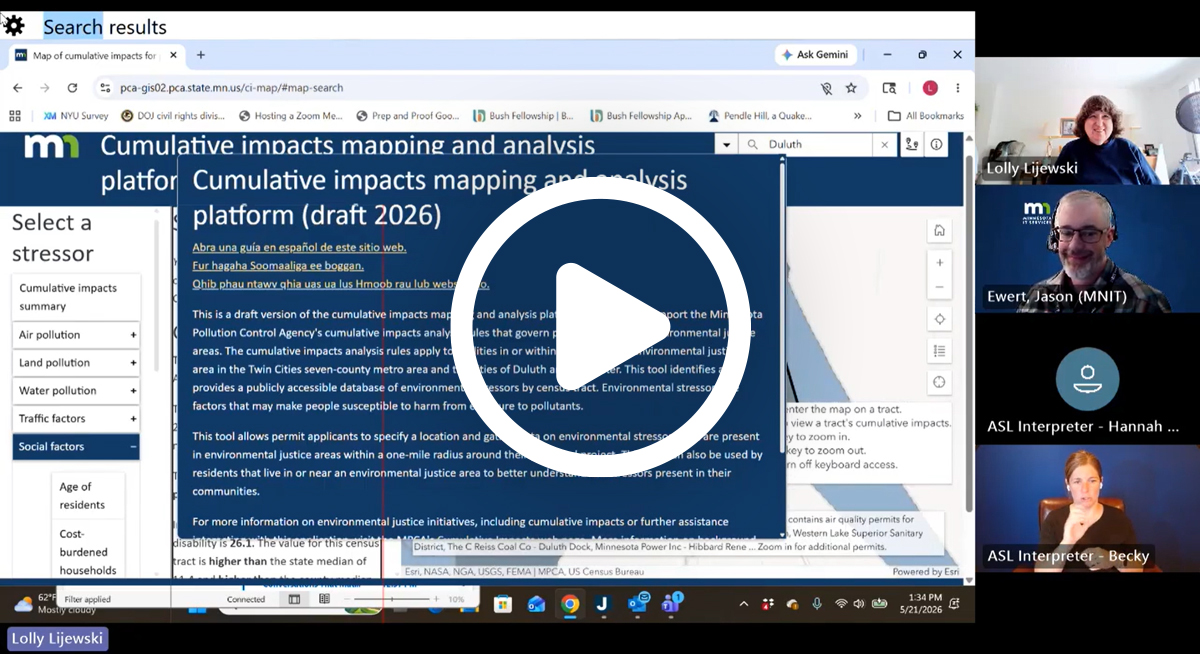
Below you'll find the event recording, transcript, Q&A, and key resources from the session.
As part of this GAAD event review, we published another article that dives deeper into this event's key takeaways—including highlights from the demonstration and insights on how screen reader users navigate maps: Making Maps Accessible with WCAG 2.1: What We Learned, and Where to Go Next.
Attendees submitted great questions during the event, most of which we weren't able to address in the presentation. We've compiled the complete list and you can read the answers from the presenters and the Office of Accessibility.
ExB templates:
Adding hot keys to maps:
Thank you to everyone who joined the event—it was one of the largest live audiences the OoA has ever hosted, and we had attendees from across Minnesota and around the country. We also appreciate the thoughtful questions and perspectives shared throughout the session. As we continue improving digital accessibility across Minnesota, these discussions—and your partnership—help drive meaningful progress toward more inclusive digital experiences for everyone.
Would you like to learn more about the accessibility work being done by Minnesota IT Services and the State of Minnesota? Once a month we will bring you more tips, articles, and ways to learn more about digital accessibility.
Accessibility
Accessibility

