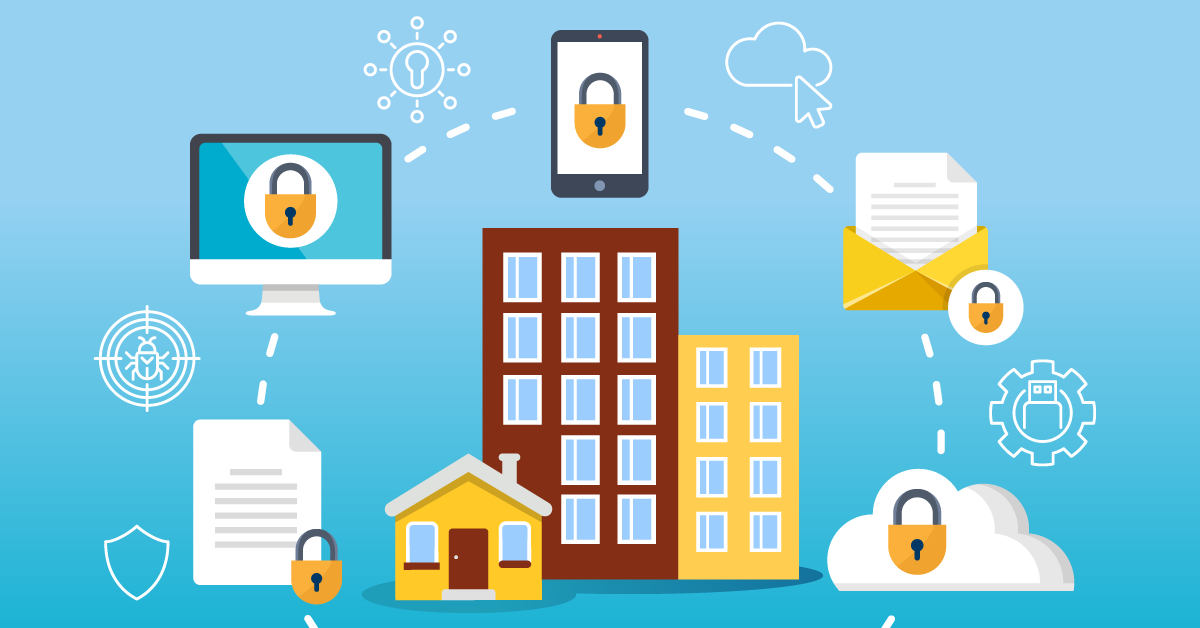
There are steps we can all take to keep our accounts, connections, and devices secure
Whether you work remotely, in the office, or both, be sure to take steps to prevent identity theft and protect sensitive information. When you secure your remote and work environments, you are being proactive and defending against cyber criminals trying to gain unauthorized access to your data or accounts.
Here are areas you can secure in your remote and work environments:
Secure connections
- Protect your home routers and WiFi. Replace default and device passwords to prevent others from accessing your home network.
- Use a mobile hotspot. Activate your mobile hotspot rather than using an unsecured or public WiFi connection.
- Use a virtual private network (VPN) to connect with secure networks. VPN protects your data, whether you're using home or public WiFi.
- Read nine ways to secure a hybrid workplace.
Secure accounts
- Use unique, strong passwords or passphrases. Combine random words using upper and lower case letters, numbers, and symbols.
- Learn how to create strong passwords and passphrases.
- Set up and use multi-factor authentication (MFA) when available. MFA reduces the risk of unauthorized access by requiring another form of authentication, like a code sent via text or email.
- Learn why MFA is important.
Secure devices
- Update device hardware and application software. Install updates as they are available or set up automatic updates to better protect your devices.
- Physically lock your work devices and securely store other devices and data. Lock computers and mobile devices to stop unauthorized access. Store devices and data securely.
- Review six tips to safeguard your personal data and digital identity.