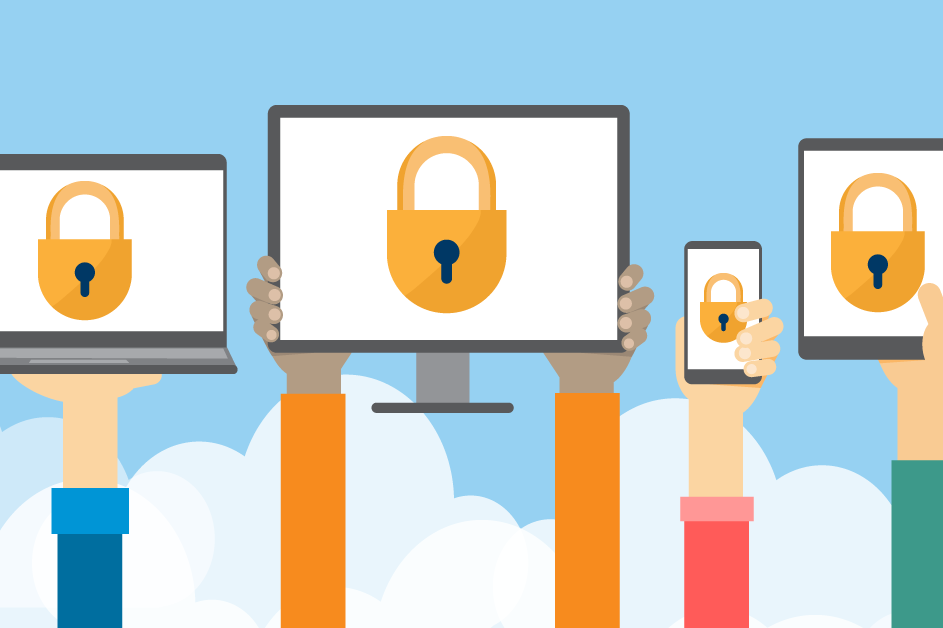
Bringing and using your mobile device while traveling puts your device and private data at greater risk. Some thieves target the devices themselves, while others aim to steal passwords, bank account details, or credit card numbers.
Cybercriminals target your mobile phone, laptop, and other devices because they store and transmit valuable personal information. Stay alert and protect your information wherever you go.
To keep your personal data and devices secure: Use /mnit/assets/Stay%20cyber%20smart%20-%20Stay%20safe%20online%20when%20away%20from%20home_tcm38-710076.pdfthis handout to stay safe online when away from home.
Follow these steps before you travel and while you're away:
Before traveling
Adjust your phone's settings and clean up content on your phone to reduce or eliminate security risks, and to prevent unauthorized access in the event your phone or device is lost, stolen, or compromised:
- Update your phone’s software and apps.
- Back up your contacts, photos, and important data.
- Delete or close out of work-related apps.
- Adjust privacy settings on social media apps.
- Turn off location services for unneeded apps.
- Delete apps you aren’t using.
- Turn on password protection and biometric protection, like fingerprint or facial recognition.
- Enable “find-my-phone” and remote wipe features.
- Pack your device charger.
While traveling
- Turn off WiFi and Bluetooth on your device when not in use to protect your privacy and save battery life.
- Use your own charger for your device.
- Avoid using public charging stations such as those in airports and hotels that may contain viruses or malware.
- Consider using a privacy screen on your device to restrict visibility.
- Be aware of your surroundings. Keep your device secure in public spaces and while using public transportation.
Be cautious if you use public WiFi
Public WiFi – such as at coffee shops, bookstores, airports, and hotels – may seem convenient, but it isn’t safe. Hackers use it to spy on your activity and steal your usernames, passwords, and financial information – especially when you log into bank, credit card, or shopping apps.
Public WiFi poses security risks because it is often unencrypted, allowing cyber criminals to intercept and steal transmitted data such as passwords and credit card numbers.
- Use a personal hotspot for sensitive tasks instead of public WiFi.
- Avoid using public equipment such as hotel computers for sensitive communication.
- When logging into a public network, turn off your phone’s auto-join function.
- If you must use public WiFI, use a virtual private network (VPN) and turn on multi-factor authentication (MFA) for added security.
- Verify the WiFi name and password. Try logging in with an incorrect password. If you’re still able to connect, the network may be insecure, and you should disconnect immediately.